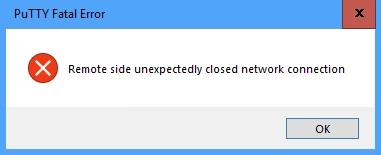
Since upgrading to 12.2.5, terminal sessions get disconnected after around an hour, even when 'unset TMOUT'.
Is there a way to change this so that user sessions are not dropped?


 +1
+1Since upgrading to 12.2.5, terminal sessions get disconnected after around an hour, even when 'unset TMOUT'.
Is there a way to change this so that user sessions are not dropped?
Best answer by TonyAndres
Hello James,
In SL1 12.2, additional security controls were introduced to harden SL1 and make it more secure. By default, after a period of inactivity, or after a terminal session has been opened for an hour, the terminal session will disconnect. This is the intended behavior and cannot be changed.
However, we also introduced tmux to the SSH sessions in 12.2. If you are working in a terminal session and it disconnects, tmux will save your session and you can simply reconnect to the same session and continue working.
Antonio Andres
Senior Technical Support Engineer | ScienceLogic
Enter your E-mail address. We'll send you an e-mail with instructions to reset your password.